The fastest way to get great printing is to send artwork that is ready to print. Files with the wrong colour mode, low-resolution images or no bleed are the most common reason a print job is delayed or comes out looking different from the screen. This checklist explains what printers mean by “print-ready” and how to set up your files for business cards, flyers, roll-up banners, stickers and signage in Dubai.
Don’t have a designer? Send us your logo and text and the SOD Advertising team will prepare the layout and share a free mockup before anything is printed.
1. Use the right size, plus bleed
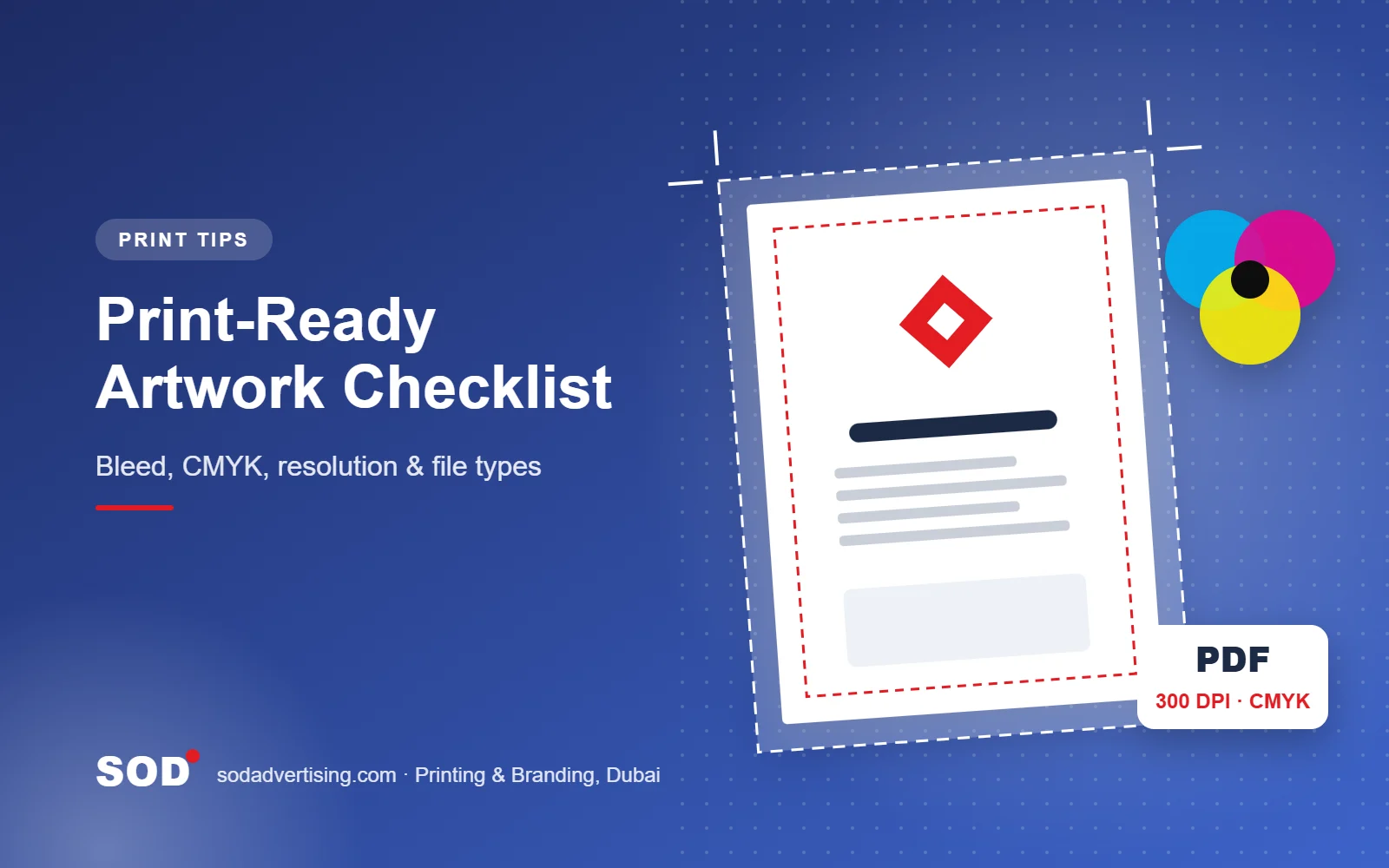
Set the document to the finished size of the item, then add bleed: extra artwork that extends past the trim line so there are no white edges after cutting.
- Business cards, flyers, brochures and stickers: add 3 mm bleed on every side.
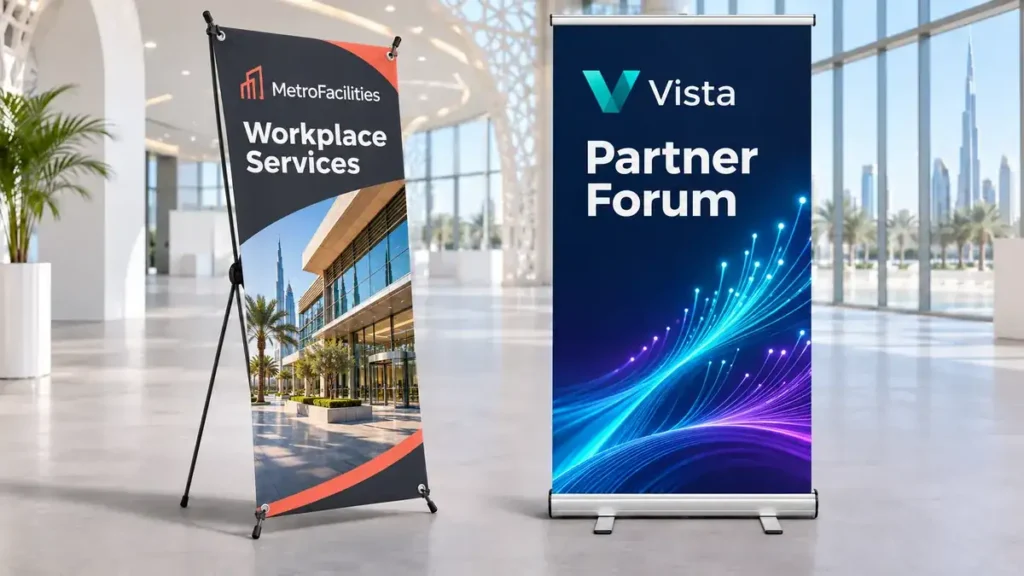
- Roll-up banners, backdrops and large-format prints: bleed and extra space at the bottom are usually larger, because part of the graphic sits inside the stand. Ask us for the template for your stand size.
- Keep important text and logos at least 3–5 mm inside the trim line (the safe area).
2. Design in CMYK, not RGB
Screens display colour in RGB, but printing presses use CMYK inks. Bright RGB blues, greens and oranges can look duller once converted. Set your file to CMYK from the start so what you see is closer to the final print. If your brand uses exact Pantone colours, include the Pantone references so we can match them as closely as possible.
Tip for rich black: large black backgrounds look deeper when built from a mix of inks rather than 100% black only. Small text should stay in 100% black so it prints sharp.
3. Check image resolution
- Small print (business cards, flyers, brochures, menus): images should be 300 dpi at the final size.
- Large format (roll-ups, backdrops, banners): 100–150 dpi at full size is usually enough because they are viewed from further away.
- Images copied from websites or WhatsApp are normally too small and will print blurry.
4. Send your logo as a vector file
Logos should be supplied as vector files (AI, EPS, SVG or a vector PDF). Vectors stay sharp at any size, from a business card to a 3-metre backdrop. They are also needed for screen printing, embroidery, laser engraving and cut vinyl, where each colour or shape is produced separately. If you only have a JPG or PNG logo, we can redraw it for you.
5. Outline or embed fonts
If we open your file and your font is missing, the text will change. Convert text to outlines, or export a PDF with all fonts embedded. Keep a separate editable copy for future changes.
6. Choose the right file format
- Best: high-quality PDF (PDF/X if possible) with bleed and crop marks.
- Also fine: AI, EPS or packaged InDesign files.
- Avoid: Word, PowerPoint or screenshots for final print, as layout and colours can shift.
7. Proofread before you approve
Check phone numbers, emails, website addresses, spelling and Arabic text direction. Once a job is printed, a single wrong digit means reprinting. That is why every SOD Advertising order comes with a digital proof for your approval.
Quick print-ready checklist
- Correct finished size + bleed added
- Text and logos inside the safe area
- CMYK colour mode (Pantone codes noted if needed)
- Images 300 dpi (small print) or 100–150 dpi (large format)
- Logo supplied as vector
- Fonts outlined or embedded
- Exported as high-quality PDF
- Contact details and spelling double-checked
Artwork tips by product
Business cards and stationery
Keep text above 7 pt, leave space around the logo and think about both sides. See our business card printing guide and the full business stationery range.
Flyers, brochures and menus
For folded brochures, set up panels to the correct fold sizes; the inside panel is usually slightly narrower. Read more in our flyer and brochure printing guide or browse marketing print.
Roll-ups, backdrops and exhibition graphics
Put your key message in the top half, at eye level, and keep the bottom area clear. Our roll-up and backdrop guide covers sizes and layouts.
Stickers and labels
For die-cut shapes, include a separate cut line on its own layer. See sticker and label printing.
Apparel, bags and gifts
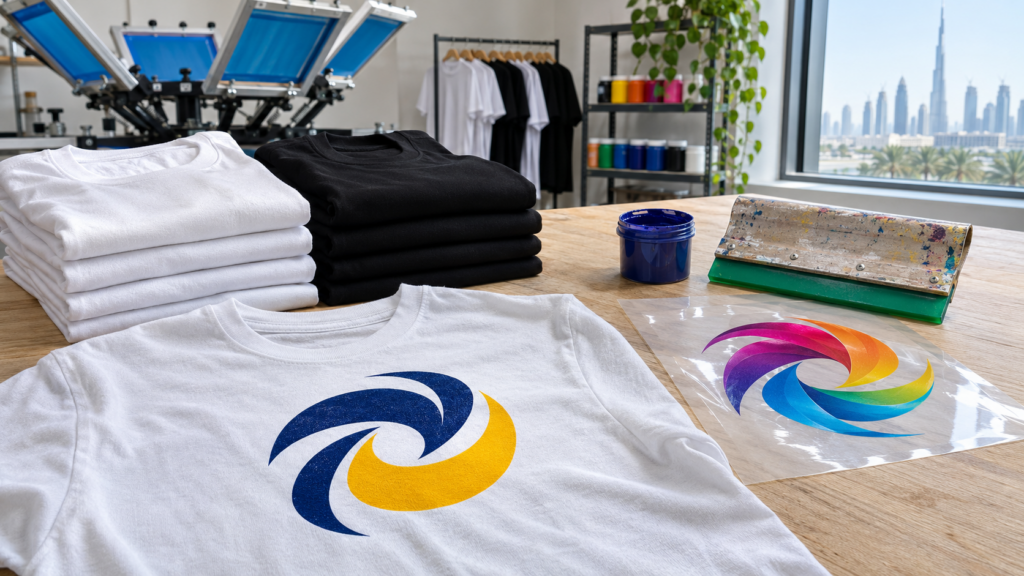
Printing on fabric, bags and gifts has fixed print areas and colour limits. Check our branding methods guide before finalising the design.
Frequently asked questions
What does “print-ready” mean?
A print-ready file is the correct size, includes bleed, is in CMYK, uses high-resolution images and has fonts embedded, so it can go straight to print without changes.
Can you fix my artwork if it isn’t print-ready?
Yes. Our team checks every file. If something needs adjusting, such as adding bleed or redrawing a logo, we will let you know and prepare a corrected proof.
Do I need to pay for design?
Simple layout adjustments are part of preparing your order. For a full design from scratch, we will quote it separately before starting.
Ready to print? Send your artwork or logo on WhatsApp or through our contact page and SOD Advertising will check your file and send a free mockup before printing in Dubai.